
Conference Video
A conference room's livestream while talks run, its recordings afterwards
Screenshots
About this app
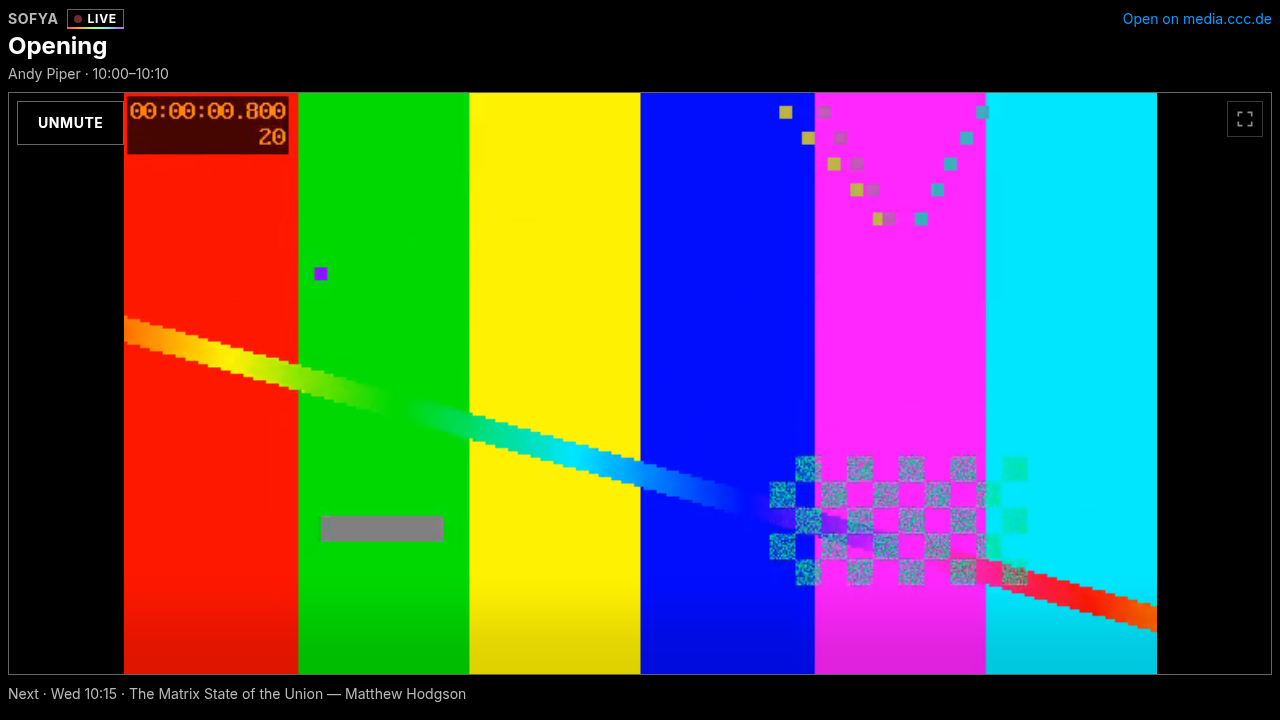
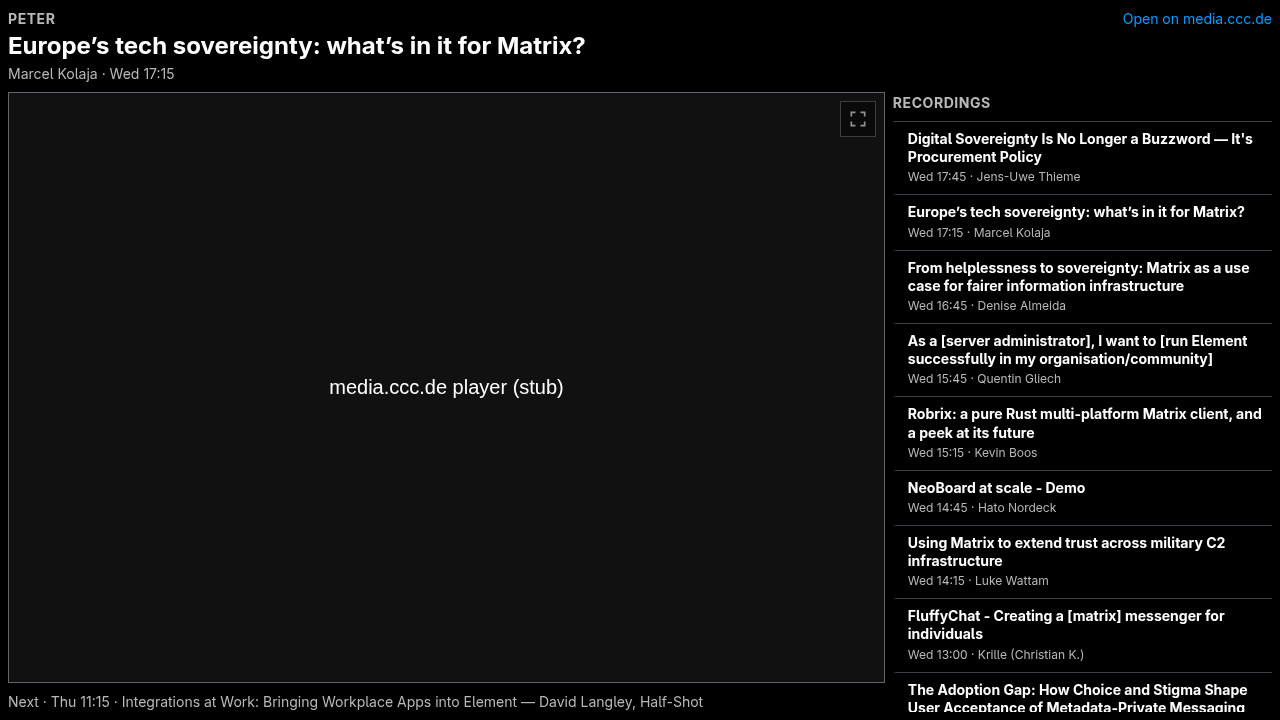
Puts a conference room's video on the room's screen: the livestream while sessions run, the newest recording of the room afterwards, and a list of the room's earlier talks to pick from. It follows a schedule baked in at build time (pretalx), so a board or room widget needs no setup beyond the room name. Built for The Matrix Conference 2026 (rooms Sofya, Katherine, Peter; streams and recordings by media.ccc.de / C3VOC). Unofficial, not affiliated with The Matrix.org Foundation.
It also plays a single video or a playlist from YouTube, PeerTube, HLS (bundled hls.js) or mp4/webm URLs, with muted autoplay, fullscreen, and the conference website's dark and light look, from a 280 px tile to a 1920 px screen. It works as an Element room widget, inside a NeoBoard(ception) board, and as a plain web page.
It reads nothing from the room and asks for no permissions. It stores nothing in room state, sends no events, and does not wait for the client: the video is up before the handshake finishes.
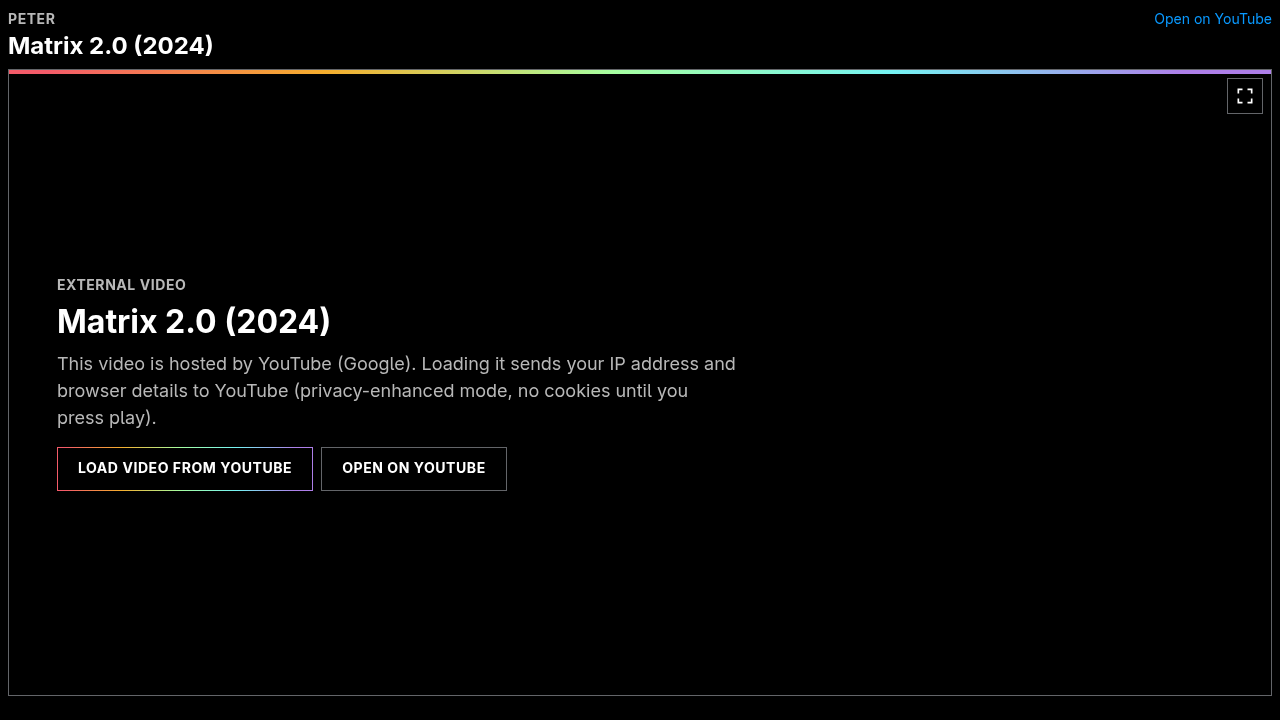
Privacy: YouTube and PeerTube load only after a click on "Load video
from …" — no thumbnail or other request to Google before that, and then
only from youtube-nocookie.com. Without a click the widget contacts only
the conference's own anonymous video provider (streaming.media.ccc.de,
api.media.ccc.de, cdn.c3voc.de), and only in schedule mode or for
media.ccc.de sources; gate=all puts those behind a click too. A strict
Content-Security-Policy lists exactly these origins.
Add to a room
Paste this into any room you may configure — Element and most clients understand /addwidget:
/addwidget https://marcade.store/apps/de.minagawa.conference-video/0.1.0/Configure it in the URL fragment, e.g. `#/?schedule=room&room=Sofya&autoplay=1` for a conference room, or `#/?src=<YouTube/PeerTube/HLS/mp4/media.ccc.de URL>`. Inside a NeoBoardception board, add `fullscreen` to the policy's media_permissions for the widget's own fullscreen button; the board's Fullscreen button works regardless.
Rooms should pin the versioned URL above. https://marcade.store/apps/de.minagawa.conference-video/latest/ always points at the newest release.
Name and icon in Element
/addwidget can carry only the URL: Element lists the app as “Custom” without an icon. Add the Marcade Store once per room and it gives every Marcade app pasted in there its name and icon, and tells you when an update is out.
/addwidget https://marcade.store/apps/de.minagawa.marcade-store/0.1.4/What's new in 0.1.0
First release. Shows a conference room's livestream (streaming.media.ccc.de, HLS) while sessions run and the room's media.ccc.de recordings afterwards, following a baked pretalx schedule. Also plays YouTube (privacy mode, click to load), PeerTube, HLS and mp4/webm URLs, with playlists, muted autoplay, fullscreen, dark and light themes. Needs no permissions.
Information
- Version
- 0.1.0
- Section
- Community — Built by Marcade CI from a pinned commit; the capability list has been audited.
- License
- Apache-2.0
- Author
- Yan Minagawa
- Encrypted rooms
- Supported
- Widget ID
de.minagawa.conference-video